Whistleblower guide
The form is at the installation's root URL (e.g.
https://your-domain.example.com/). No account, email address or personal
information is needed.
Where several organisations share one installation, use the link your organisation gave
you (/submit/<organisation>). Another link files the report with another
organisation.
Submitting a report
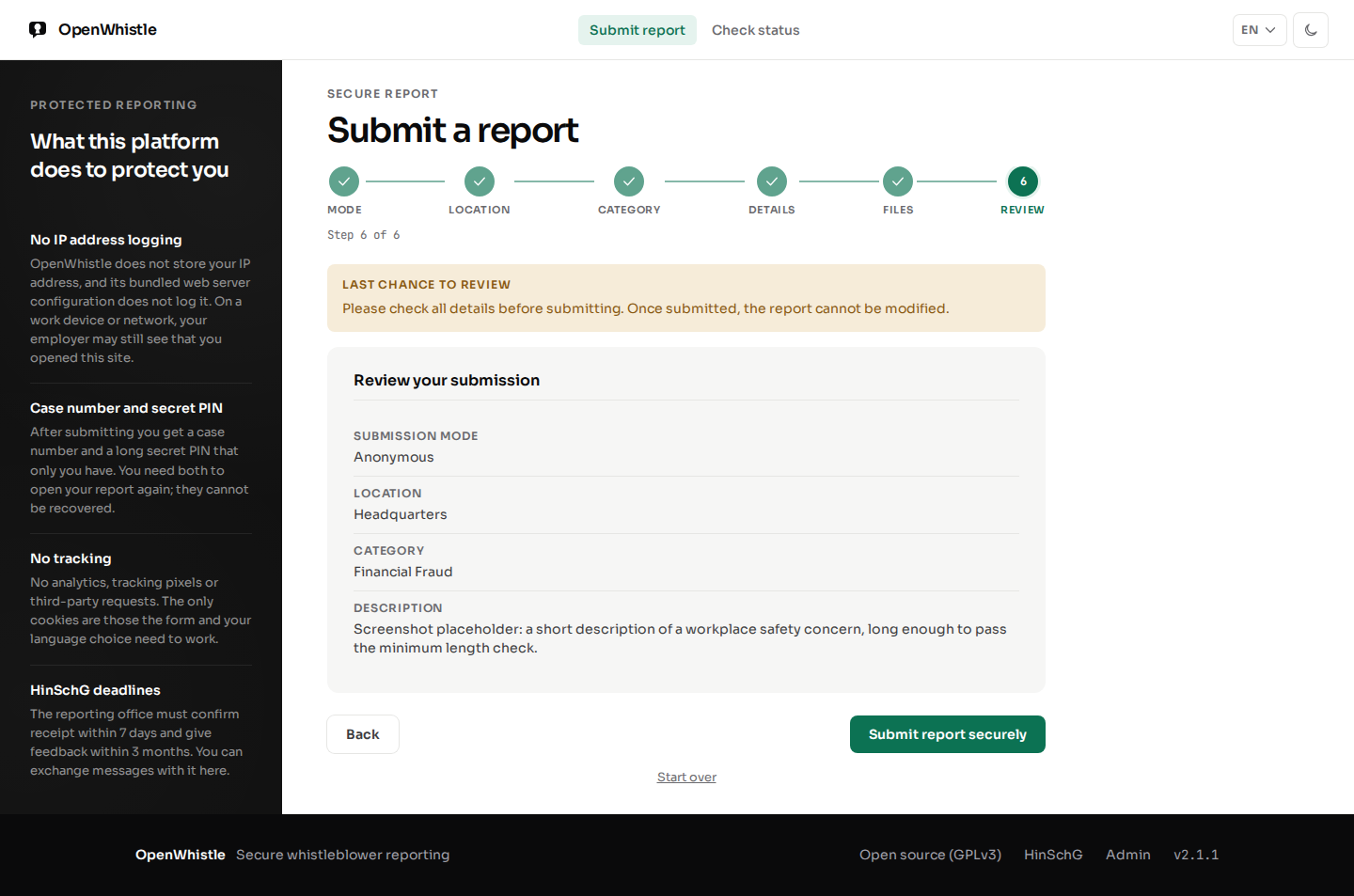
Use a private browsing window and, where possible, a network not traceable to you (public Wi-Fi, Tor). The wizard keeps your progress in a temporary session for 2 hours; you can go back and forward at any step.
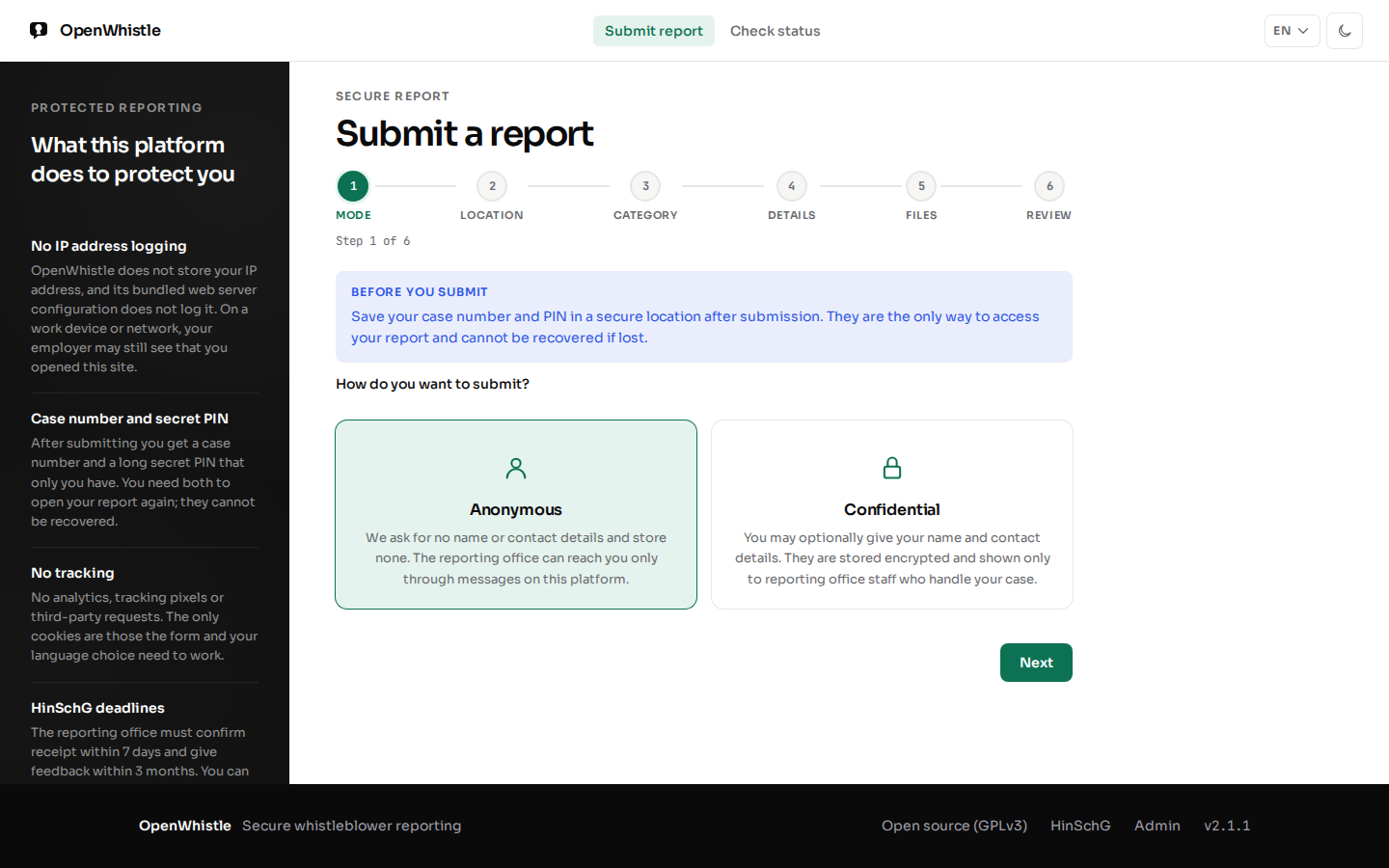
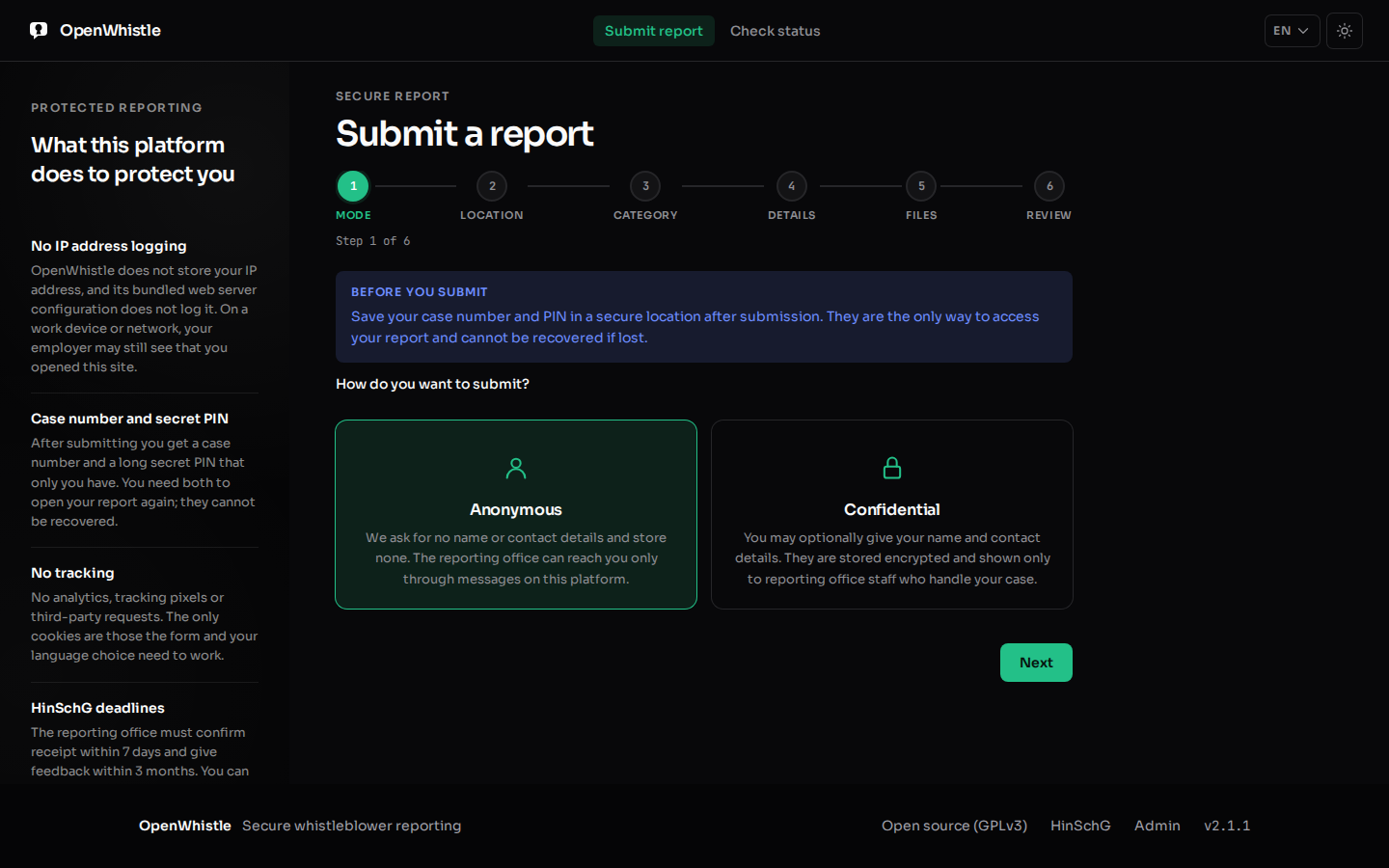
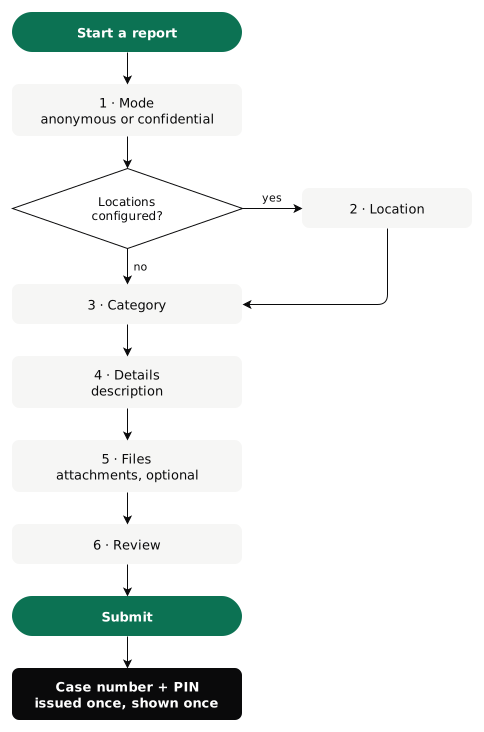
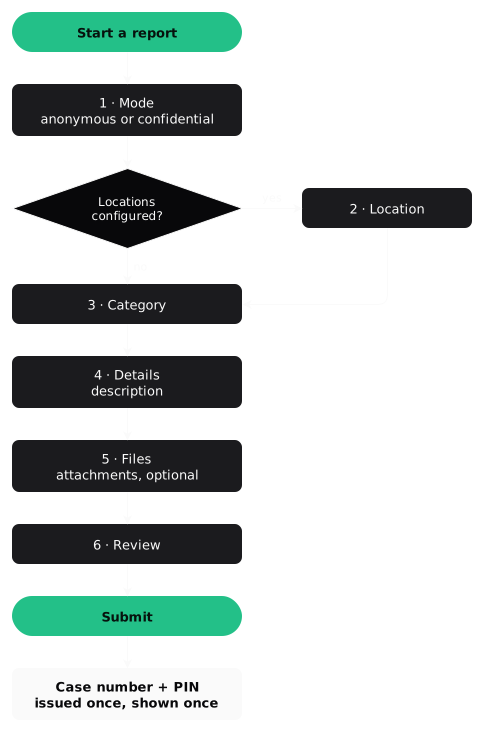
- Mode. Anonymous: no personal data ever stored. Confidential: name, contact details and an optional secure email, stored encrypted. The case handler sees them only after recording a reason. Both comply with HinSchG.
- Location (optional), only when the operator has configured branches or offices.
- Category (required) from the operator's list (e.g. financial fraud, safety violation, discrimination).
- Description (required), 10 to 10 000 characters. Be as specific as possible without naming yourself.
- Files (optional): PDF, images, Word (
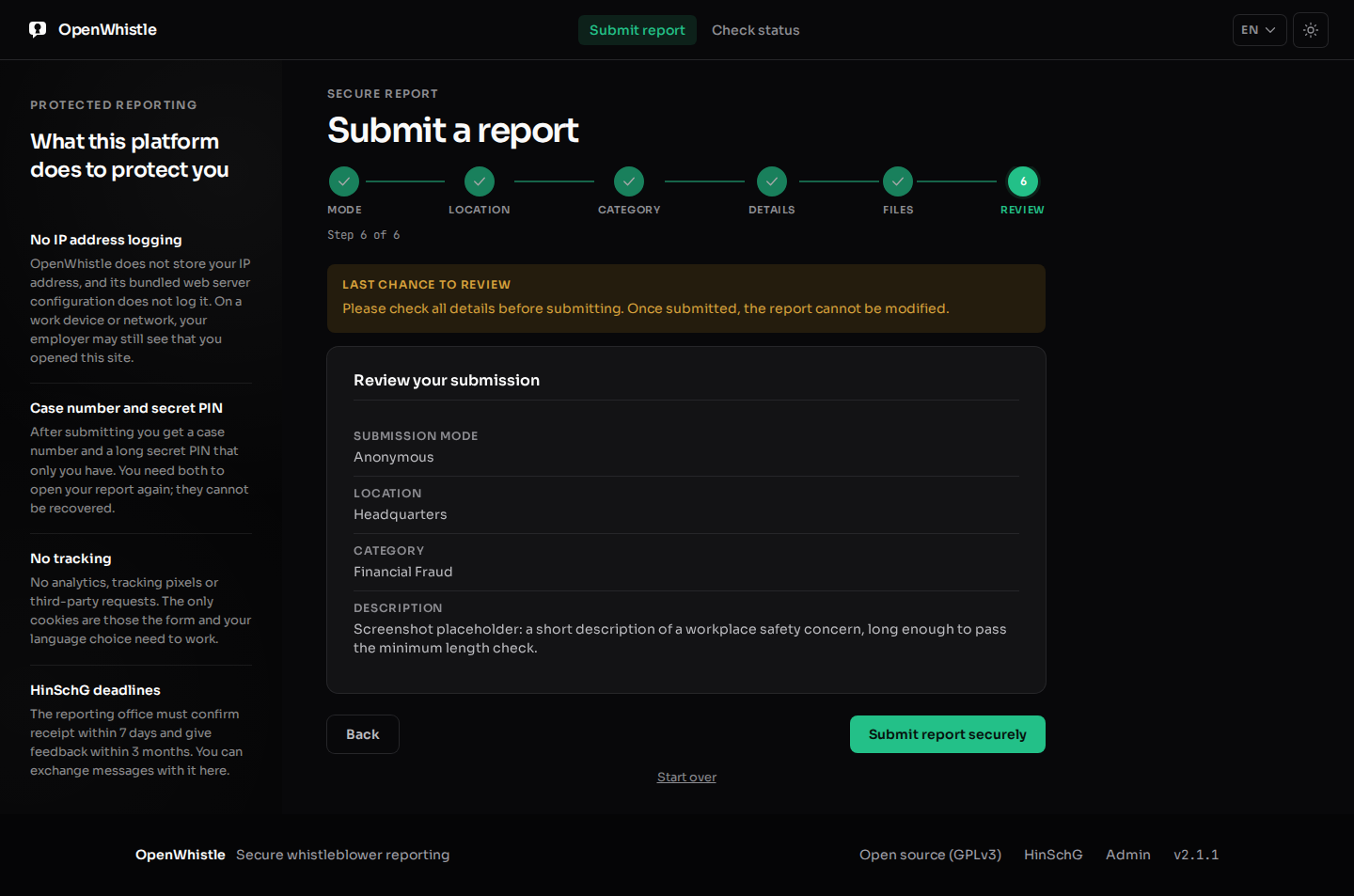
.docx), Excel (.xlsx), CSV, TXT, up to 10 MB each and 5 per report. Legacy.doc/.xlsare refused; save them as.docx/.xlsx. Metadata is removed, and with virus scanning on, an infected file is refused. Going back keeps attached files; choosing new ones replaces them, and Remove drops one. - Review and submit.
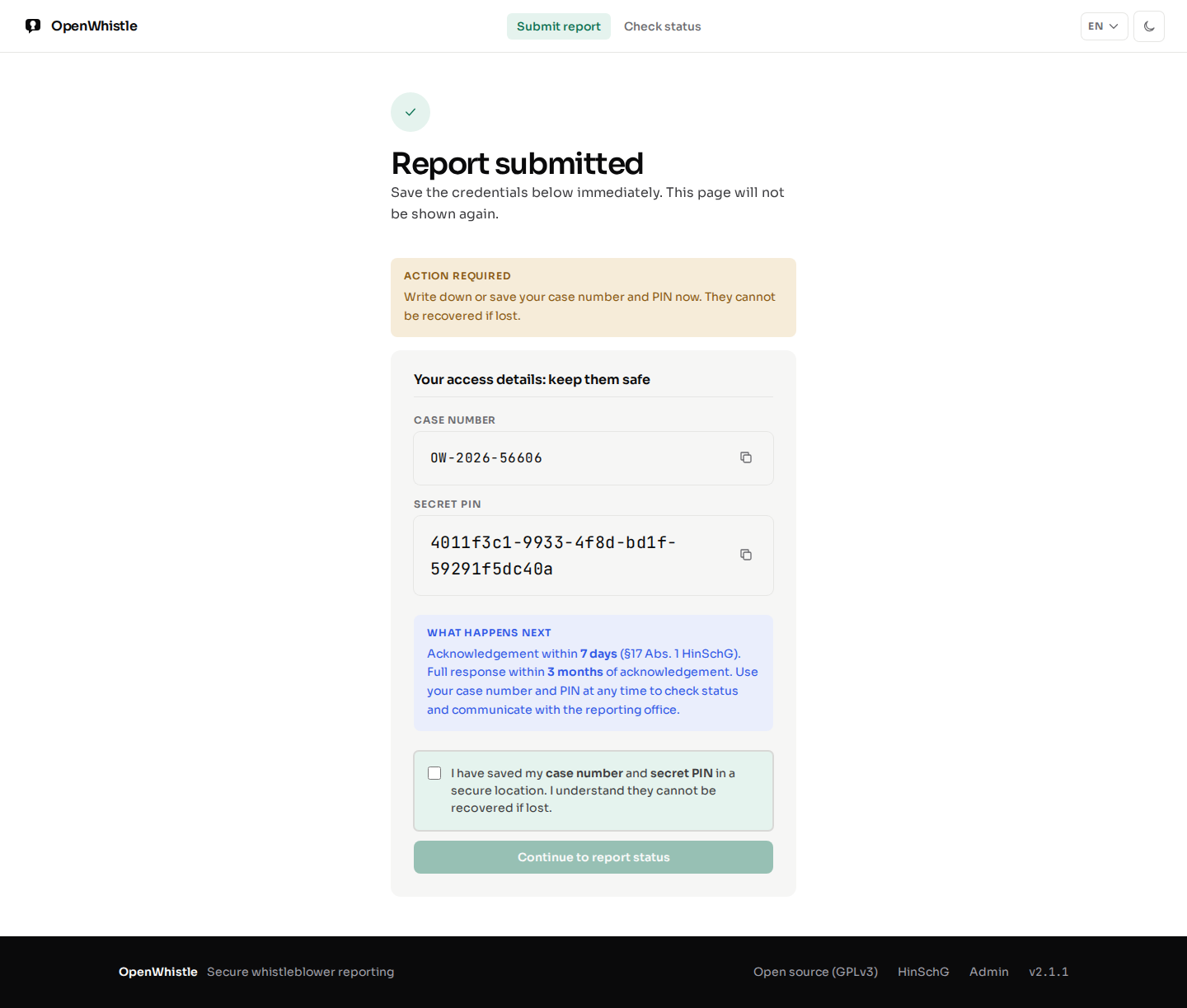
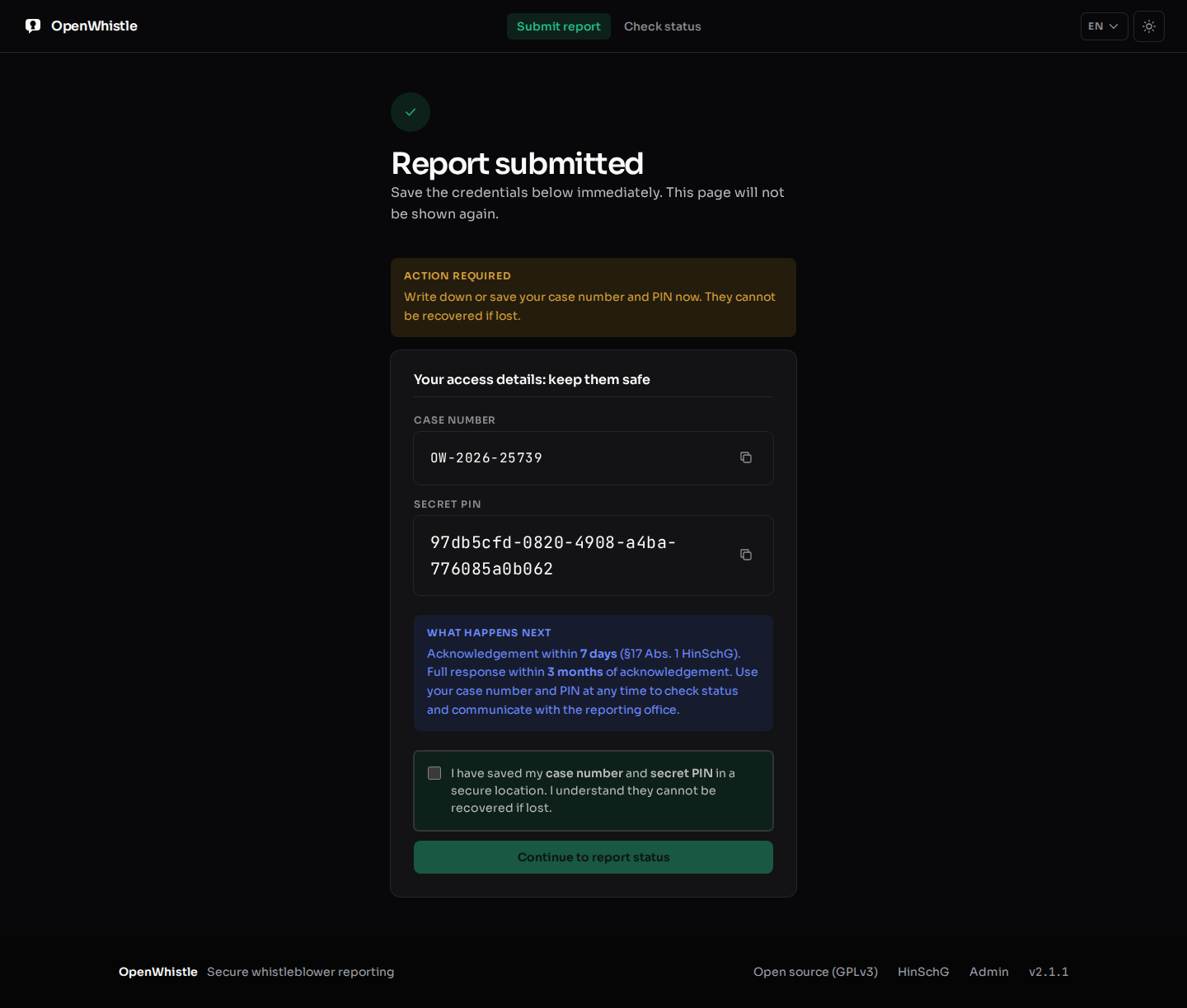
Note down the case number and PIN at once. They are shown only once and cannot be recovered. Continue to report status unlocks only after you tick that you saved them.
- A second click on Submit never creates a second report. It shows the same case number and PIN, or, while the first click still runs, a still being processed page with Check again.
- If the operator offers an onion address, the submit page shows it for use with Tor Browser.
Checking report status
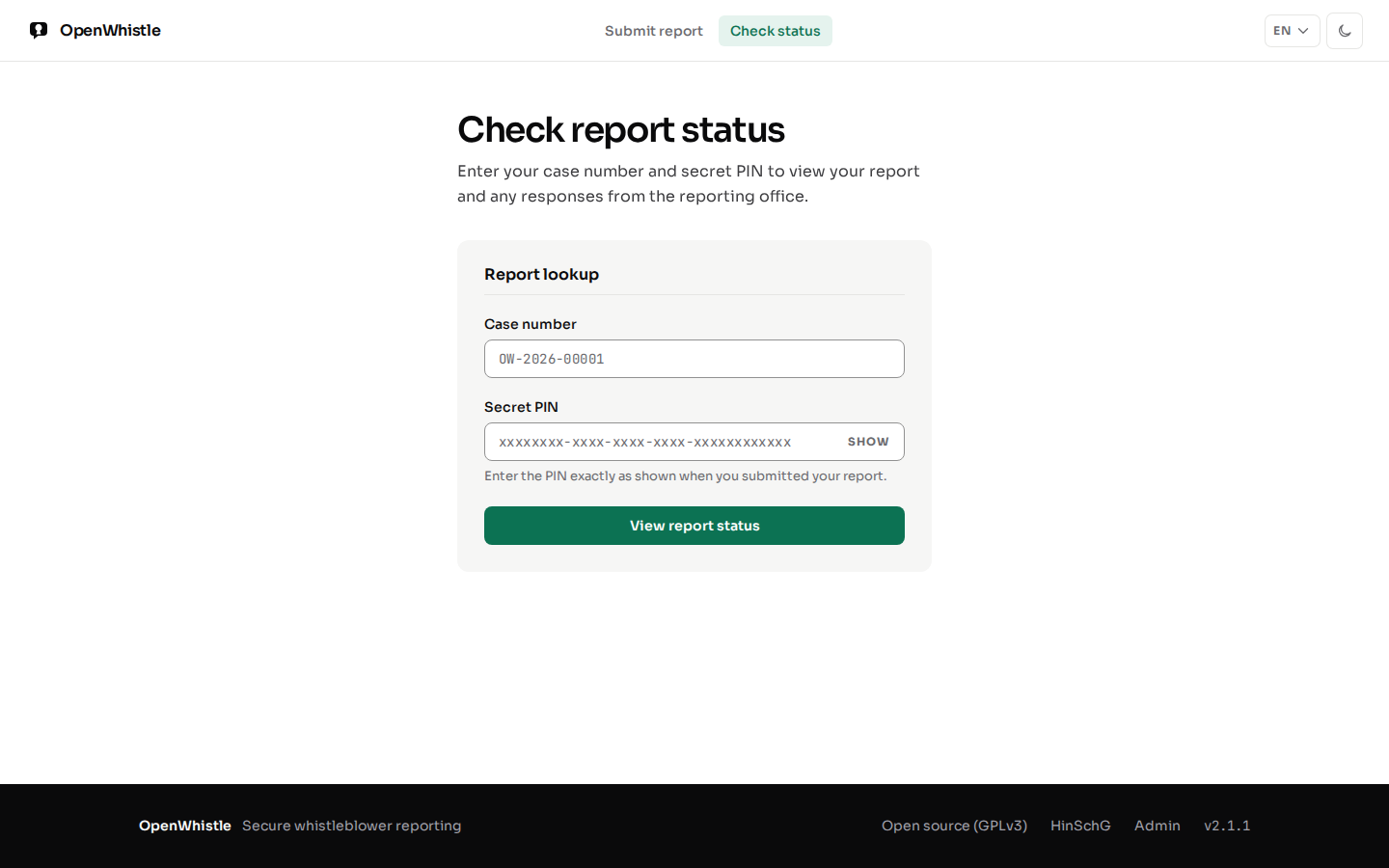
At /status, your case number and PIN show:
- Current case status
- Admin responses (if any)
- HinSchG deadlines: the 7-day acknowledgement deadline and 3-month feedback deadline with days remaining
- A form to send a follow-up message
Nobody can lock you out of your own case: the correct case number and PIN always work. After several wrong attempts on a case number the page asks you to wait, a notice, not a lock. Look up a different report ends the session on a shared device.
Security recommendations for whistleblowers
- Do not submit from a device or network that can be traced to you
- Use a browser in private/incognito mode
- Store the case number and PIN in a secure location not connected to your work identity
- Never share the PIN with anyone