EU Directive 2019/1937 & HinSchG

Free, open source
whistleblowing
software

OpenWhistle is free, open source (GPL-3.0), self-hosted whistleblowing software. It is the internal reporting channel that EU Directive 2019/1937 and Germany's HinSchG require, run on your own server.

Version 2.1.1 GPL-3.0 Python 3.14 Docker
No IP address stored
TOTP on every admin login
7-day / 3-month deadlines
Self-hosted
Outbound requests opt-in
4 languages
At a Glance

A reporting channel you run yourself

QuestionOpenWhistle
PriceFree. No paid tier, no subscription; you pay for your own server.
LicenceGPL-3.0, source on GitHub
HostingSelf-hosted: Docker Compose or a Helm chart. No SaaS.
StackPython, FastAPI, PostgreSQL 18, Redis 8, nginx
ImagesGHCR, Docker Hub, Quay.io; linux/amd64 and linux/arm64
ForCompanies and public bodies under EU Directive 2019/1937 and HinSchG
OrganisationsOne or many per installation, each with its own reporting link
UI languagesEnglish, German, French, Brazilian Portuguese
TorOptional onion address, with a Tor daemon you run
Current release2.1.1 · Changelog
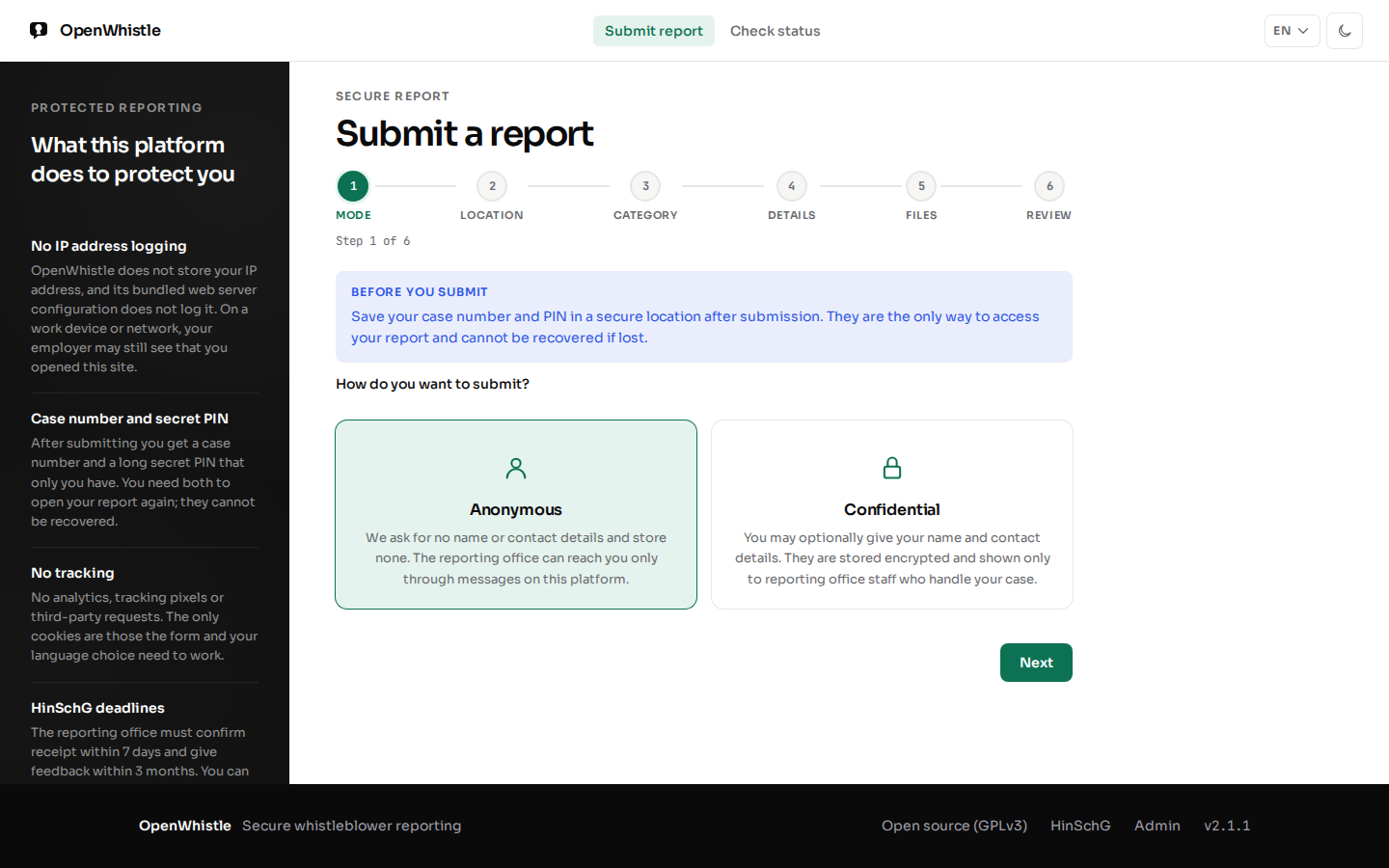
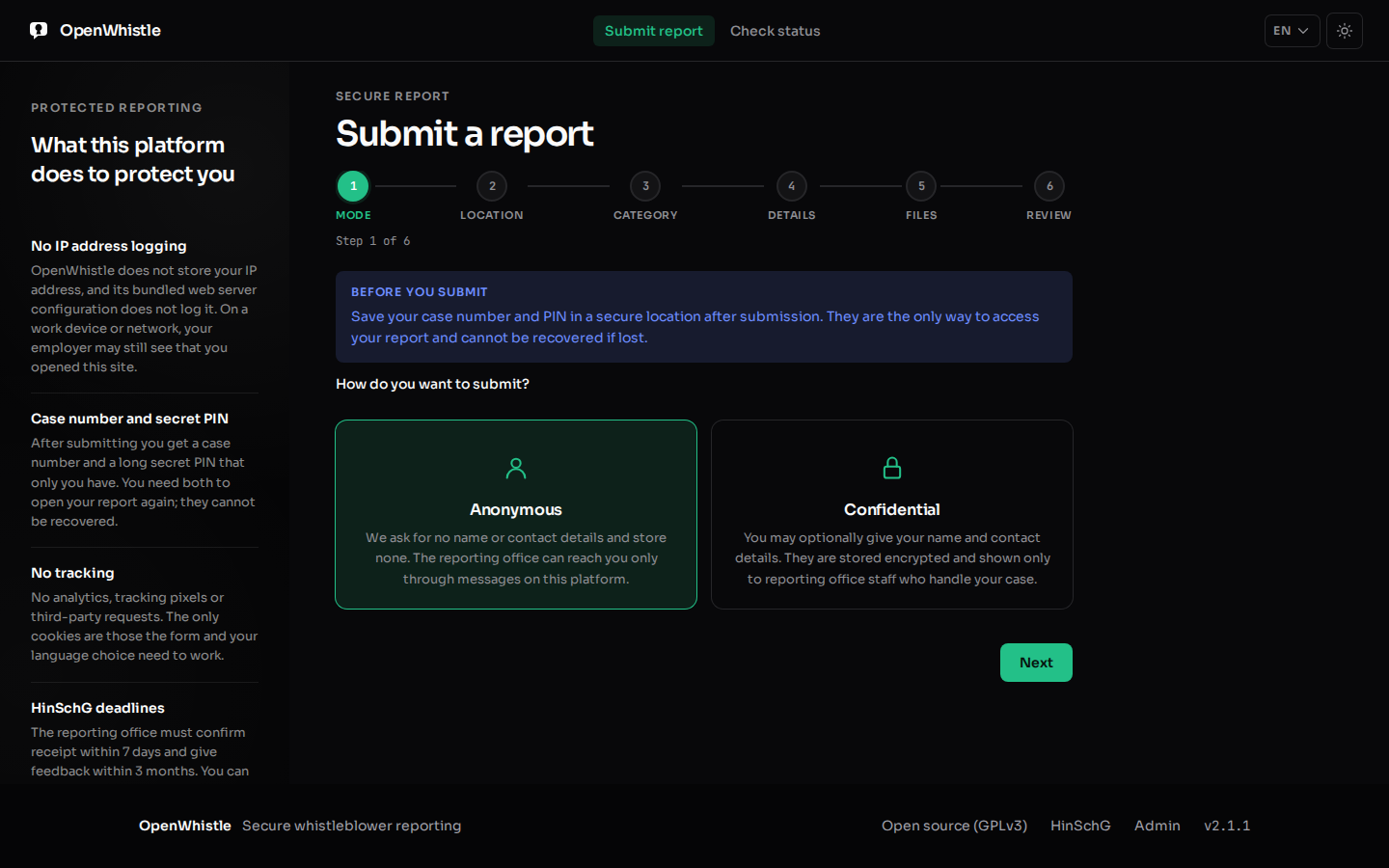
Step 1 of 6 of the submission wizard: a choice between Anonymous and Confidential, under the steps mode, location, category, details, files and review. Step 1 of 6 of the submission wizard: a choice between Anonymous and Confidential, under the steps mode, location, category, details, files and review.
The reporting form, step 1 of 6. No account and no email address.

Other open source options exist. Compared with GlobaLeaks, SecureDrop, Hush Line: licence, hosting, deadlines and languages, each with its source.

Features

What each side gets

For the whistleblower
AccessCase number and a UUID4 PIN, shown once. No account, no email address.
ModeAnonymous, or confidential: name and contact encrypted, shown to the case handler only after an audited reason
Follow-upRead replies and send messages at /status with case number and PIN
Lock-outNone: the correct PIN always works; wrong guesses only slow down
TimestampsThe day only (UTC) for the report, messages and files
FilesPDF, images, DOCX, XLSX, CSV, TXT; 5 × 10 MB; metadata removed; optional ClamAV scan that refuses when clamd is down
For the reporting office
Deadlines7-day acknowledgement and 3-month feedback, per case, on dashboard and case page
Case workStatuses, assignment, internal notes, linked cases, PDF export
SearchCase number or a word in the report; decrypted in memory, no index stored
RolesSuperadmin, admin, case manager (sees assigned cases only)
AuditImmutable audit log with CSV export; deletion needs a second admin
AlertsOpt-in email and webhook digests and deadline reminders; webhooks carry counts, never case numbers
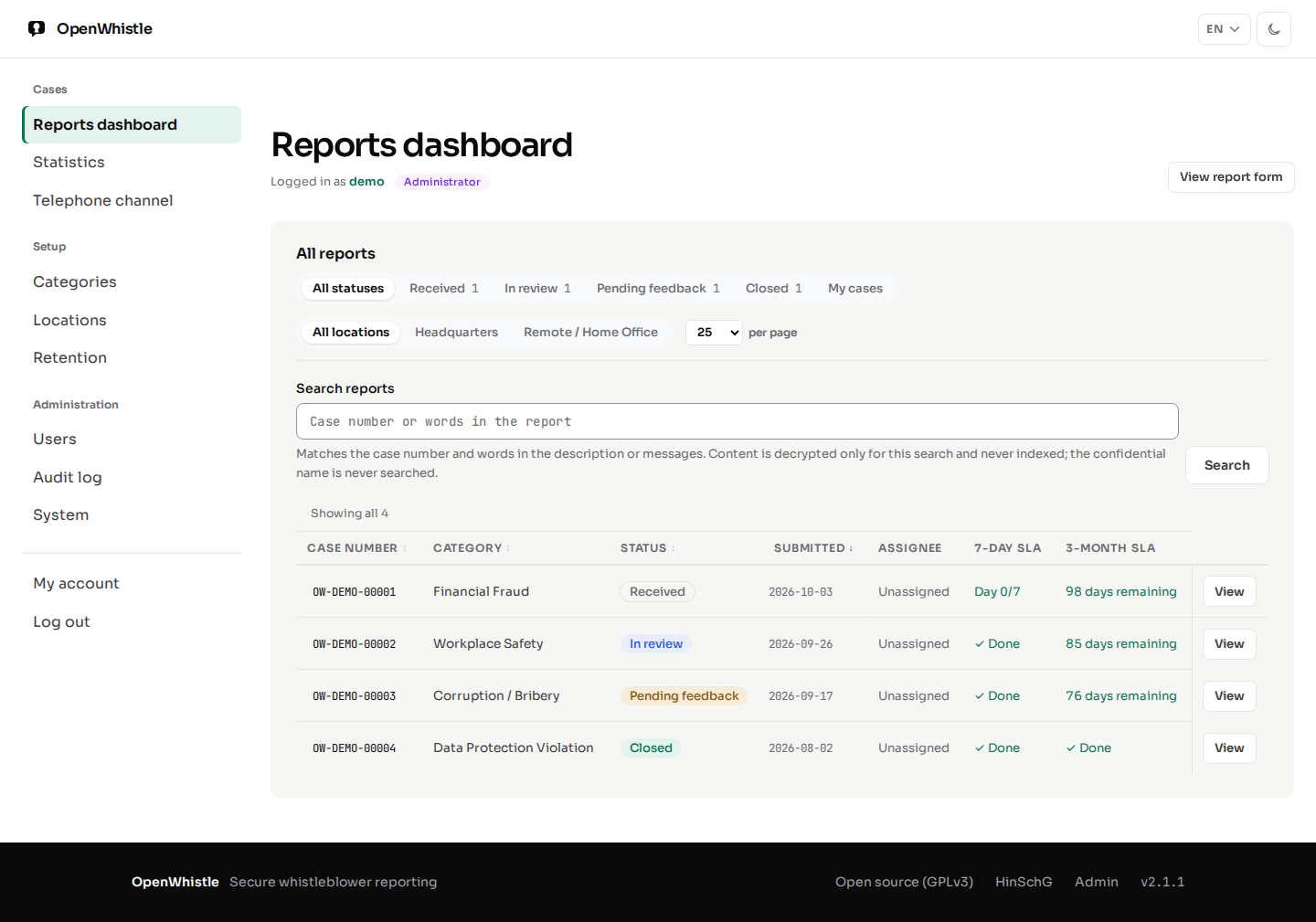
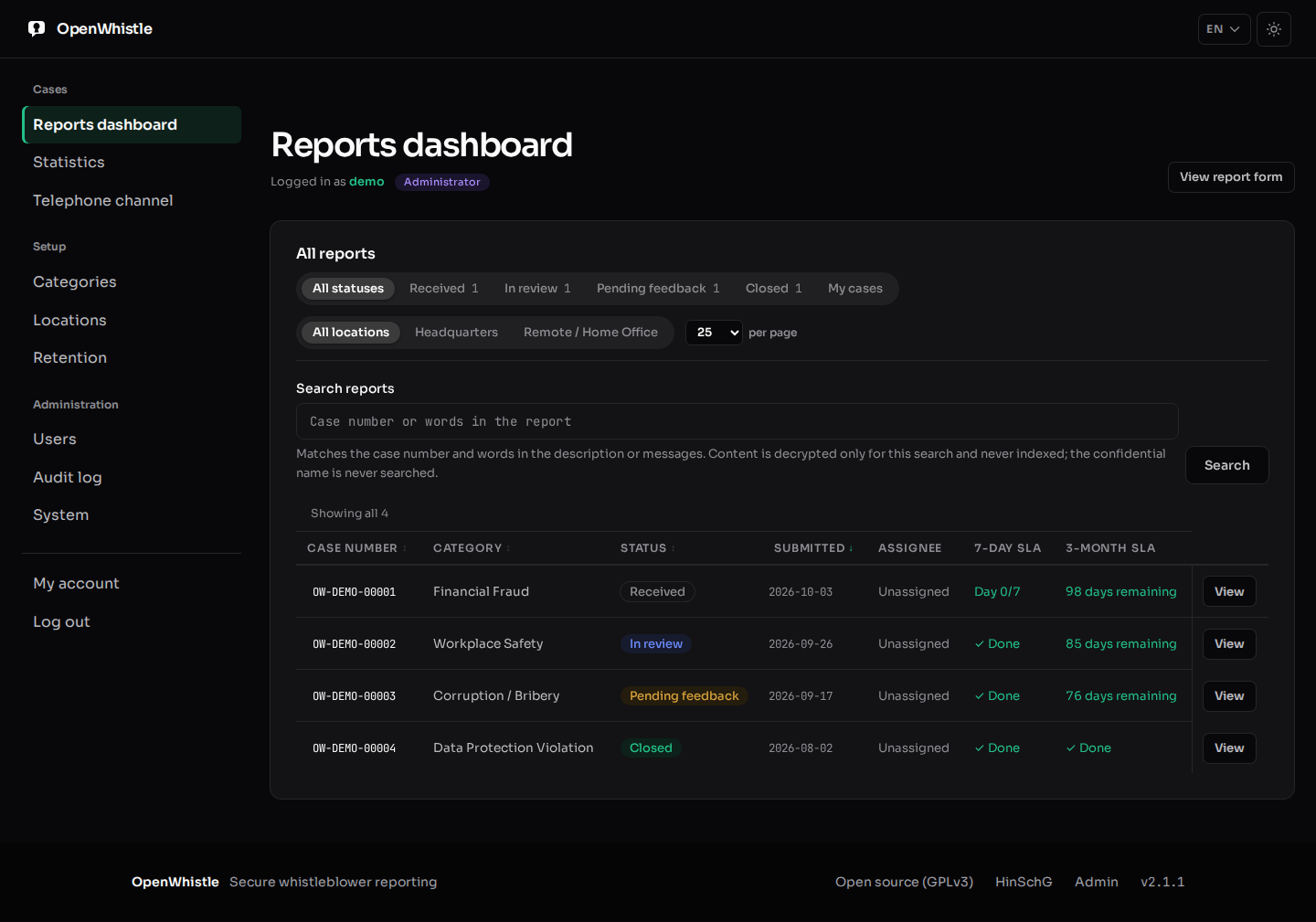
The reports dashboard: status and location filters, a search field, and the report table with case number, category, status, submitted day, assignee, 7-day SLA and 3-month SLA. The reports dashboard: status and location filters, a search field, and the report table with case number, category, status, submitted day, assignee, 7-day SLA and 3-month SLA.
The dashboard: one row per case, with both deadlines.
For whoever runs it
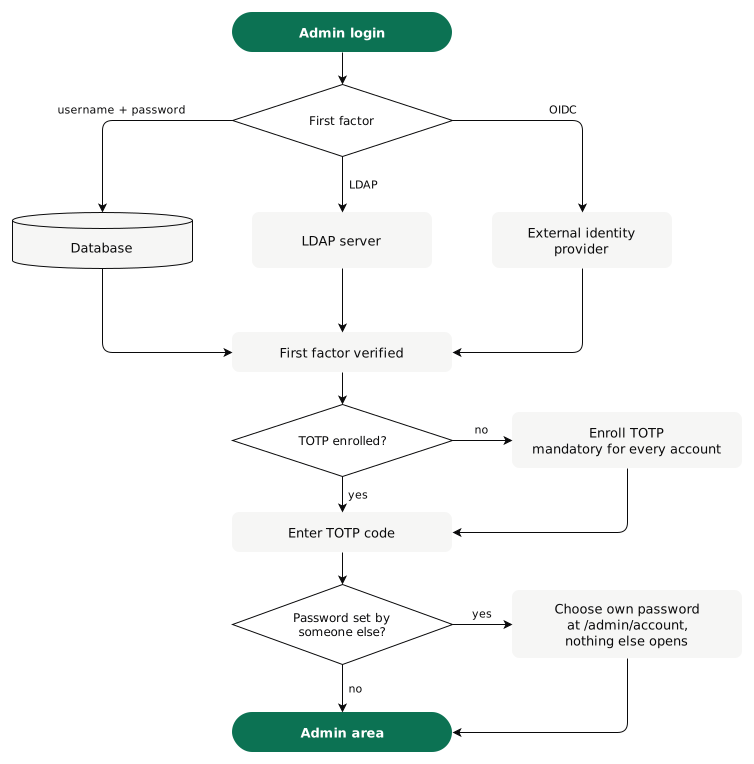
Sign-inPassword, LDAP or OIDC, then always TOTP. Enrolment is mandatory.
OrganisationsOptional multi-tenancy: each organisation gets /submit/<slug>
TLSOn by default: self-signed on first boot, your certificate once you add it
OutboundNothing until you switch it on. Update check and installation count are off by default.
RetentionClosed reports deleted after 1,095 days (HinSchG §11 Abs. 5), on by default
ImagesSigned with Cosign on GHCR; also on Docker Hub and Quay.io
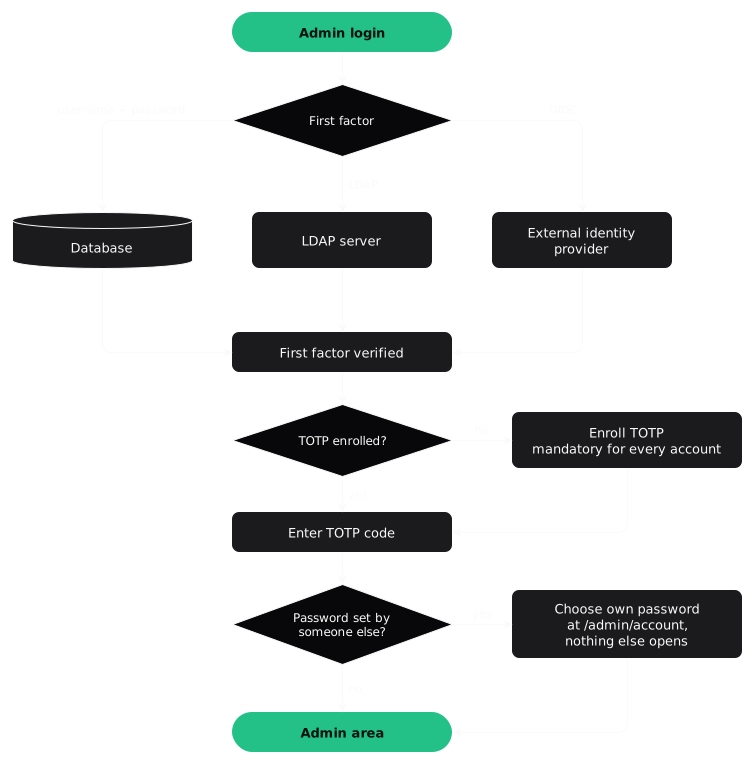
Admin login: the first factor is a username and password checked against the database, LDAP, or an external OIDC identity provider. Then TOTP: an account without it enrolls first, which is mandatory. The TOTP code opens the admin session. Admin login: the first factor is a username and password checked against the database, LDAP, or an external OIDC identity provider. Then TOTP: an account without it enrolls first, which is mandatory. The TOTP code opens the admin session.
Every login path ends with TOTP.
How it Works

From report to closed case

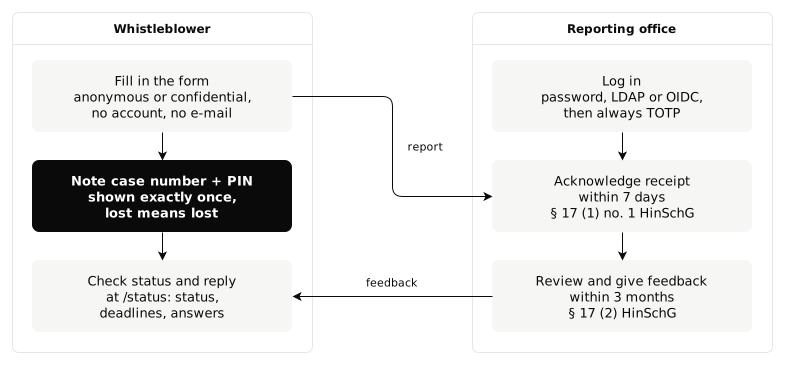
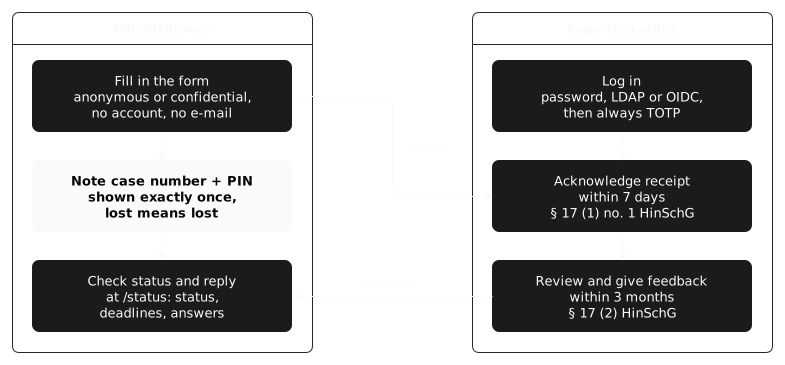
Two lanes. Whistleblower: fill in the form, anonymous or confidential, with no account and no e-mail; note the case number and PIN, shown exactly once; check status and reply at /status. The form has six steps. Category and description are required. The page continues only after ticking that the case number and PIN are saved. Reporting office: log in with password, LDAP or OIDC, then always TOTP; acknowledge receipt within 7 days; review and give feedback within 3 months. The report goes from the form to the acknowledgement, the feedback back to the status page. Two lanes. Whistleblower: fill in the form, anonymous or confidential, with no account and no e-mail; note the case number and PIN, shown exactly once; check status and reply at /status. The form has six steps. Category and description are required. The page continues only after ticking that the case number and PIN are saved. Reporting office: log in with password, LDAP or OIDC, then always TOTP; acknowledge receipt within 7 days; review and give feedback within 3 months. The report goes from the form to the acknowledgement, the feedback back to the status page.
Acknowledging a report starts the three-month feedback clock.
Anonymity

No IP address is stored, by design

LayerWhat it does
1. nginxClears X-Forwarded-For and six other client-IP headers; writes no access log
2. MiddlewareDrops those headers and the peer address before any route runs
3. DatabaseNo table has an IP column
4. RedisA status session is a random 256-bit token holding only the report id; 2 hours
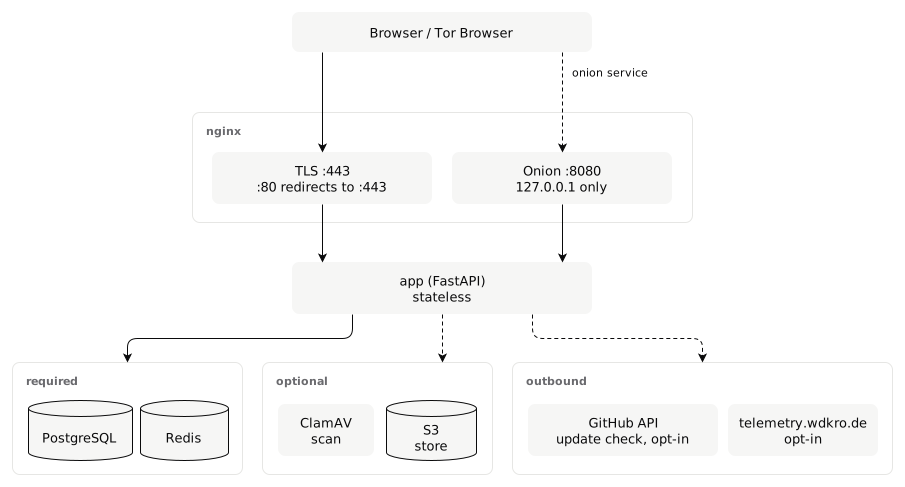
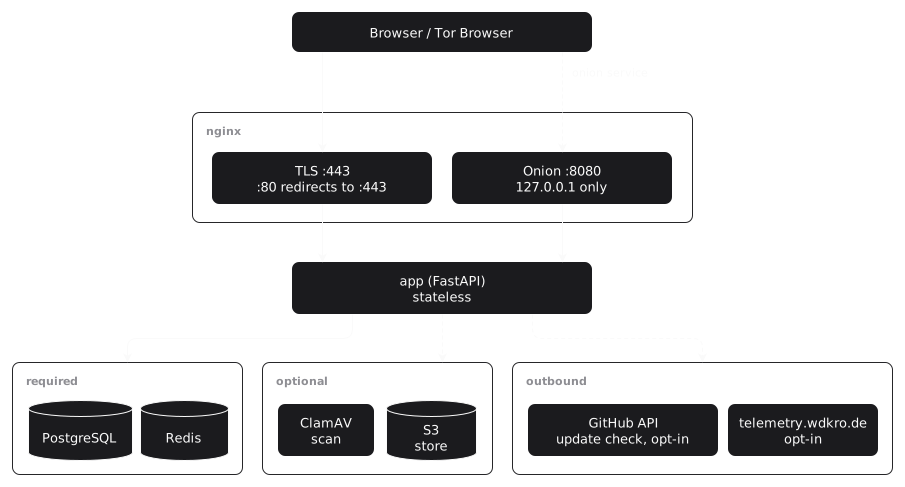
Architecture: a browser reaches nginx over TLS on 443 (80 redirects), Tor Browser reaches the onion listener on 8080, bound to 127.0.0.1. Both lead to the stateless FastAPI app, which needs PostgreSQL and Redis, can use ClamAV and S3, and makes two opt-in outbound requests: the GitHub update check and the telemetry.wdkro.de count. Architecture: a browser reaches nginx over TLS on 443 (80 redirects), Tor Browser reaches the onion listener on 8080, bound to 127.0.0.1. Both lead to the stateless FastAPI app, which needs PostgreSQL and Redis, can use ClamAV and S3, and makes two opt-in outbound requests: the GitHub update check and the telemetry.wdkro.de count.
The optional onion listener and both outbound requests are off until switched on.

Rate limits count wrong PINs per case number, not per address. nginx limits requests per client address in memory only, never logged. Details: Security Architecture.

Legal Framework

What the law asks, and where it is in the software

RequirementSourceIn OpenWhistle
An internal reporting channel from 50 employees§12 HinSchG; Art. 8 DirectiveThe reporting link, one per organisation
Acknowledge receipt within 7 days§17 Abs. 1 Nr. 1Day N/7 column; warning from day 5
Keep in contact with the reporter§17 Abs. 1 Nr. 3Message thread, opened with case number and PIN
Feedback within 3 months of acknowledgement§17 Abs. 2Days-left column; opt-in reminders
Keep the reporter's identity confidential§8Anonymous mode; confidential identity behind an audited reason
Access only for the responsible staff§16 Abs. 2Roles; case managers see their own cases
Document every report§11Immutable audit log
Delete the documentation 3 years after the procedure§11 Abs. 5RETENTION_DAYS=1095, on by default
Accept oral reports too§16 Abs. 3Not a software channel; /admin/telephone-channel is a guide for one
Collect only necessary dataArt. 5(1)(c) GDPRNo IP address, no fingerprint, day-only timestamps

The Directive covers private employers from 50 workers and financial services at any size. The public sector is covered too; states may exempt municipalities under 10,000 residents. Software does not make an organisation compliant: it still needs an impartial reporting office.

Quick Start

Self-hosted with Docker Compose

One docker compose up -d starts the app, PostgreSQL, Redis and nginx. Migrations run at startup.

The /setup wizard asks for the one-time setup token from the log. It then creates the first account, a superadmin, and enrols its TOTP.

Minimum
  • Docker 24 and Docker Compose v2
  • 1 vCPU, 512 MB RAM (1 GB recommended), 5 GB disk
  • A domain, an HTTPS certificate, ports 80 and 443
  • PostgreSQL 18 and Redis 8: bundled
Full installation guide →
bash — openwhistle setup
$ git clone https://github.com/openwhistle/OpenWhistle.git
$ cd OpenWhistle && cp .env.example .env

# .env: COMPOSE_FILE=docker-compose.prod.yml,
# SECRET_KEY, DATABASE_URL, REDIS_URL
$ nano .env

$ docker compose up -d
► Container openwhistle-db-1 Started
► Container openwhistle-redis-1 Started
► Container openwhistle-app-1 Started
► Container openwhistle-nginx-1 Started

# One-time token for the setup wizard
$ docker compose logs app | grep "Setup token"

# Then open https://localhost/setup
FAQ

Frequently asked questions

Is OpenWhistle really free?
Yes. It is licensed under the GNU General Public License v3.0. There is no paid tier, no paid feature and no subscription. You pay only for the server you run it on.
Is OpenWhistle open source?
Yes, OpenWhistle is open source under the GNU General Public License v3.0. The full source code is public on GitHub. You may audit it, change it and use it commercially.
Can I host it myself?
Yes, and only that way: you run OpenWhistle on your own server with Docker Compose or Helm. The project offers no hosted service. Reports stay on that server, in the EU if you put it there.
Does it meet the HinSchG?
It builds in what software can: the 7-day acknowledgement (§17 Abs. 1 Nr. 1), the 3-month feedback (§17 Abs. 2), contact with the reporter (§17 Abs. 1 Nr. 3), identity confidentiality (§8), documentation and its deletion after 3 years (§11). The organisation still needs an impartial reporting office and an oral channel.
Is the whistleblower anonymous?
No IP address is stored at any layer. nginx clears the client-IP headers and writes no access log, the middleware drops the peer address, no table has an IP column, and a Redis session holds only a random token. The reporter's own device and network still matter: a private window or Tor Browser helps.
Can I use OpenWhistle for my company?
Yes. The GPL-3.0 permits commercial self-hosted use. One installation can serve several organisations, each with its own reporting link. It suits companies from 50 employees, public bodies and financial firms.
What are the technical requirements?
Docker 24 or newer, Docker Compose v2, 1 vCPU, 512 MB RAM (1 GB recommended), 5 GB disk, a domain and an HTTPS certificate. PostgreSQL 18 and Redis 8 are bundled in the Compose stack.
Is there commercial support available?
No, there is no paid support tier. Community support is on GitHub Issues, where bug reports, feature requests and contributions are welcome.
How does it compare with GlobaLeaks, SecureDrop or Hush Line?
GlobaLeaks is the mature general-purpose platform, SecureDrop serves newsrooms, and Hush Line is a hosted tip line. OpenWhistle is built around the HinSchG case workflow. The comparison lists the facts, each with its source.
Which languages does it support?
The interface is in English, German, French and Brazilian Portuguese. It follows the browser's language until the reader picks one; that choice is kept in a cookie.