Admin guide
The admin portal is at /admin, which leads to /admin/login.
Signing in
Every account signs in with two factors. The first is a password (local or LDAP) or OIDC; the second is always a TOTP code.
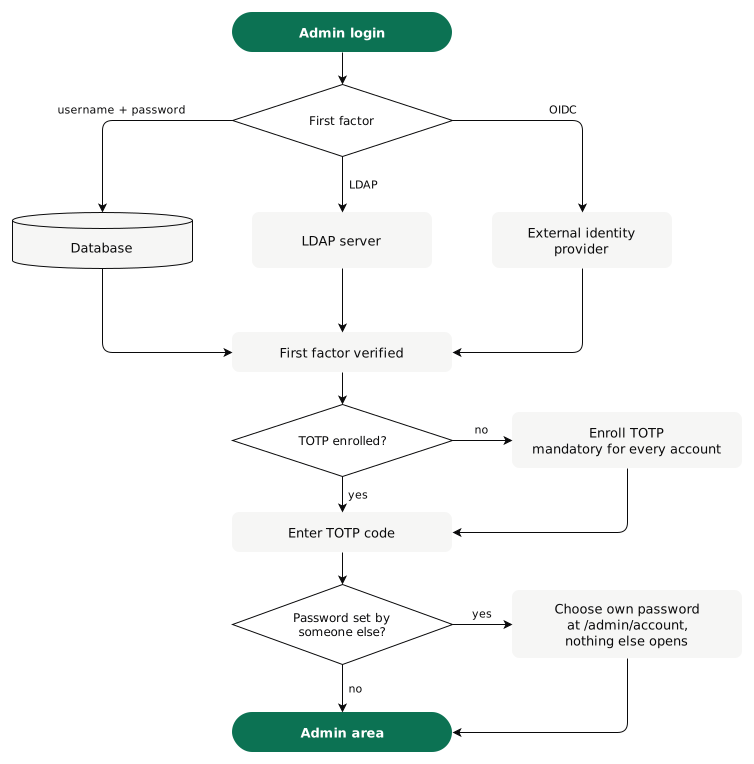
- An account without TOTP yet (new from
/admin/users, or first provisioned by LDAP) goes to/admin/mfa/setupafter its first factor. Scan the QR code, confirm one code, and the session starts. - A password someone else set is replaced next, at
/admin/account(Your account). - After
MAX_LOGIN_ATTEMPTSwrong passwords, the username is locked forLOGIN_LOCKOUT_MINUTESfrom the last one. Upper and lower case count as one username. - A session lasts
ACCESS_TOKEN_EXPIRE_MINUTES; Stay signed in renews it, up toSESSION_MAX_HOURSafter login.
Dashboard overview
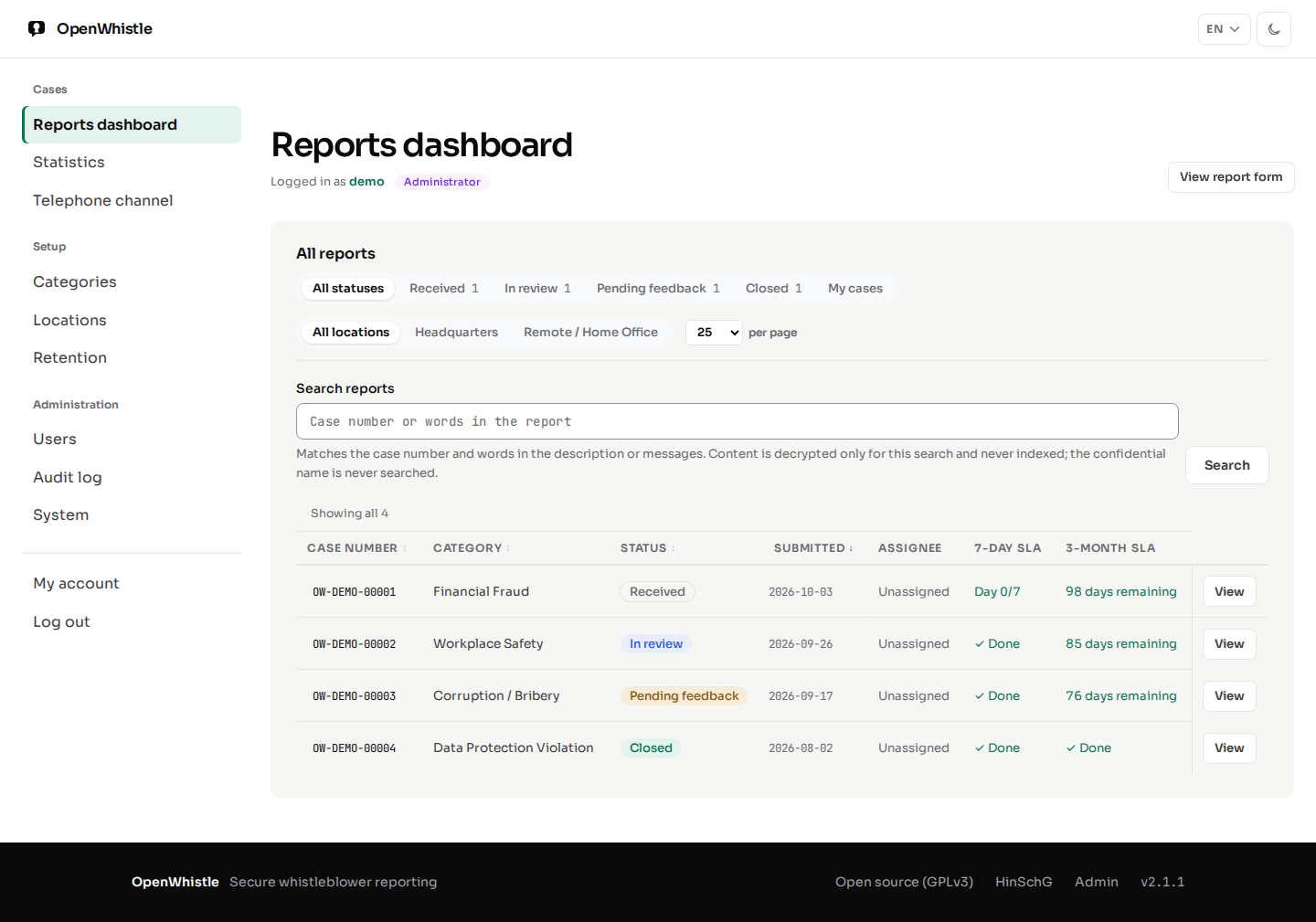
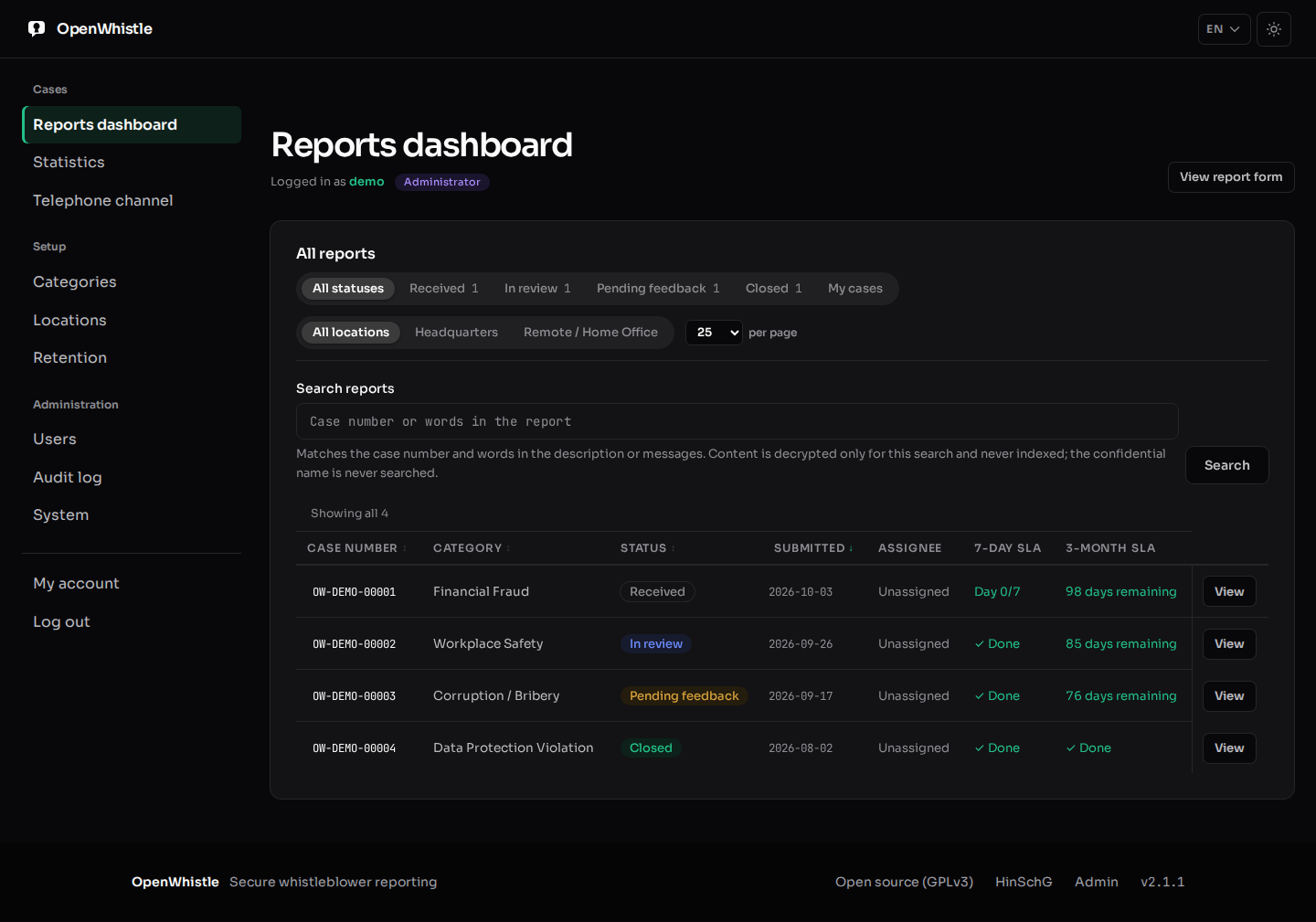
/admin/dashboard lists every report you may see, with sortable columns,
pagination and filters for status, assignee and location. Each status filter shows its case
count within the chosen location; a case manager's counts cover only their own cases.
| Column | Shows |
|---|---|
| Case number | OW-YYYY-NNNNN: the year and five random digits |
| Submitted | the day only (UTC), never the time |
| 7-day SLA | Day N/7 until acknowledged: warning from day 5, overdue from day 7 |
| 3-month SLA | days left to feedback: warning at 14 or fewer, overdue once the date has passed |
Your account
My account in the sidebar opens /admin/account, for every role.
It shows the username, role, organisation and the ways the account signs in.
- A password change needs the current password, the new one twice, and a current TOTP code. An open session alone is not enough.
- The new password has 12 characters to 72 bytes and differs from the current one.
- Wrong passwords and codes here count towards the sign-in lockout of the account.
- After the change, every other session of the account ends. The one in use stays.
- The audit log records
auth.password_changed, never the password. - An LDAP or single sign-on account has no password here. It changes it in the directory or at the provider.
- Link single sign-on and Unlink single sign-on are on this page (OIDC integration).
- With
DEMO_MODE, the demo accounts keep their password, so every visitor can sign in.
Whoever sets a password for someone else knows it. So its holder must replace it:
| Password set by | Holder's next login |
|---|---|
an admin creating the account on /admin/users |
enrol the authenticator at /admin/mfa/setup, then change the password |
| a superadmin's Reset authenticator | the same, with the temporary password |
the host's reset_admin_password.py --username |
change the password |
Until then, every other admin page leads back to /admin/account. Sign-out still works.
The script cannot tell whether its operator is the holder, so it always asks for the change.
Managing reports
The search field on /admin/dashboard takes any part of a case number (for
example 00042) or a word from the report.
- A word search decrypts the description and messages of the reports you may see, in memory, for that request only. Nothing searchable is ever stored.
- The confidential name is never matched: a hit would confirm an identity guess without an audited reveal.
- The search is sent as a form (POST), so the term never appears in a URL, the browser history or a proxy's access log. Paging keeps it that way.
- Every word search is audited (
report.content_searched): the term, stored encrypted, and the number of matching reports.
Click a report to open its case page, /admin/reports/{report_id}:
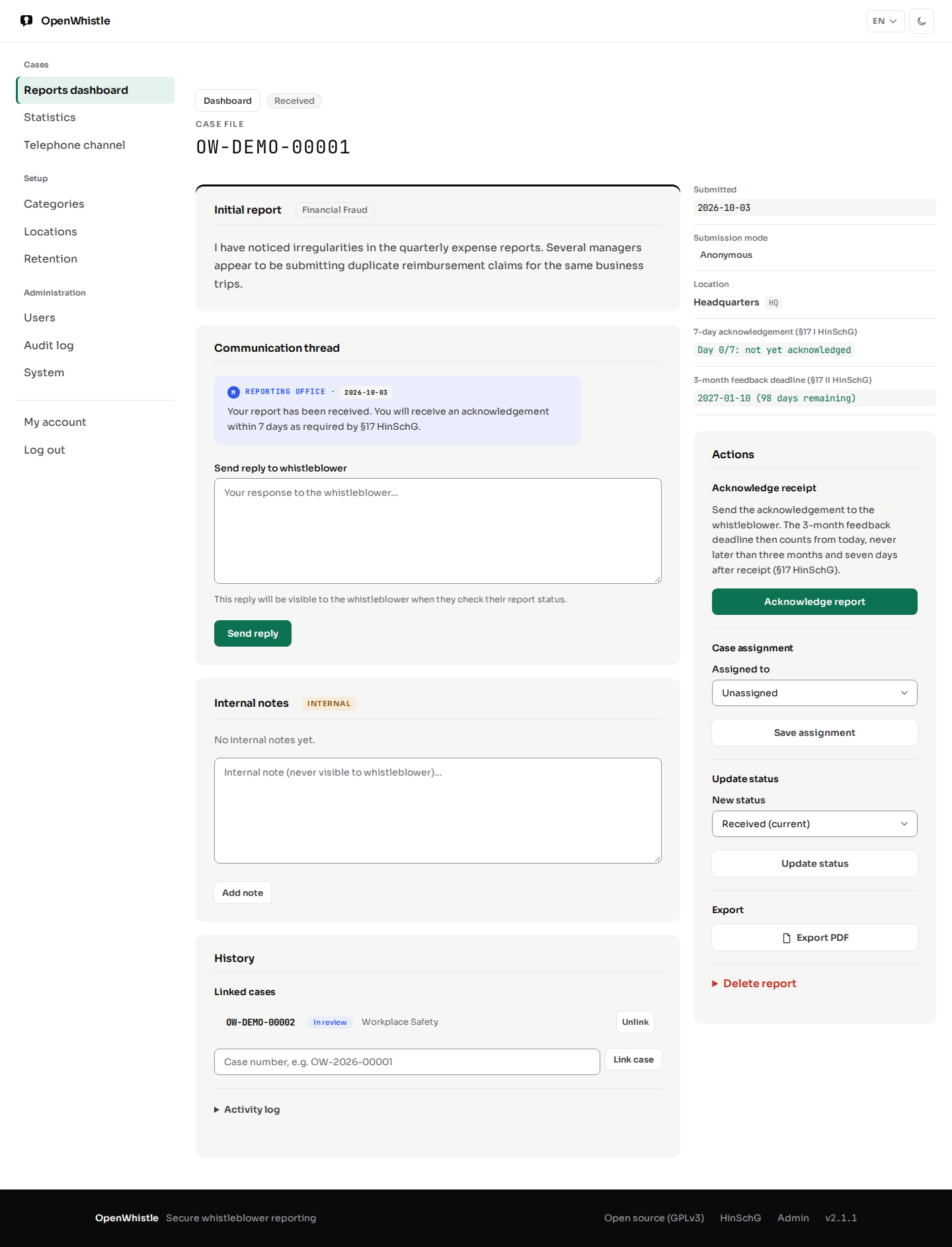
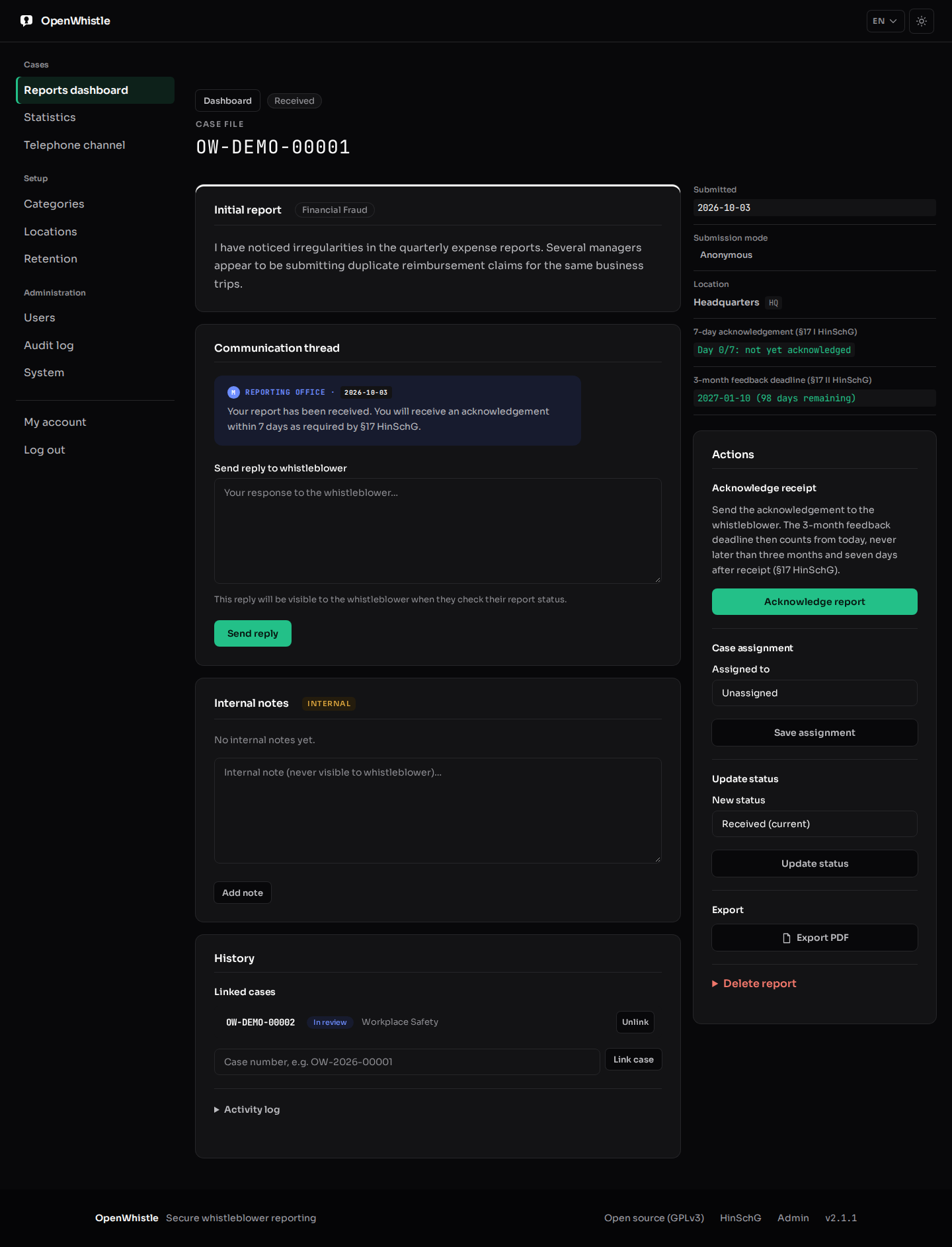
- Read the report and its submission mode (anonymous / confidential).
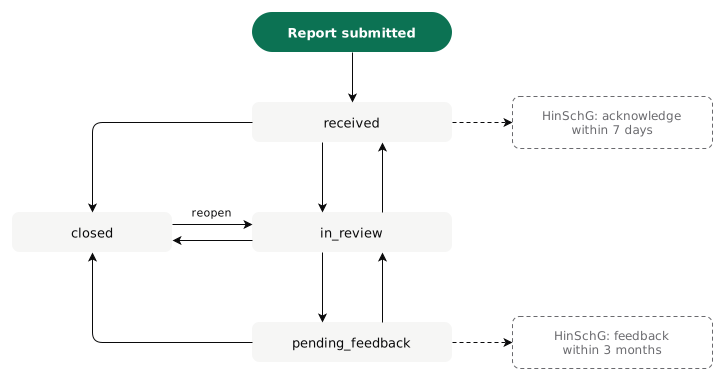
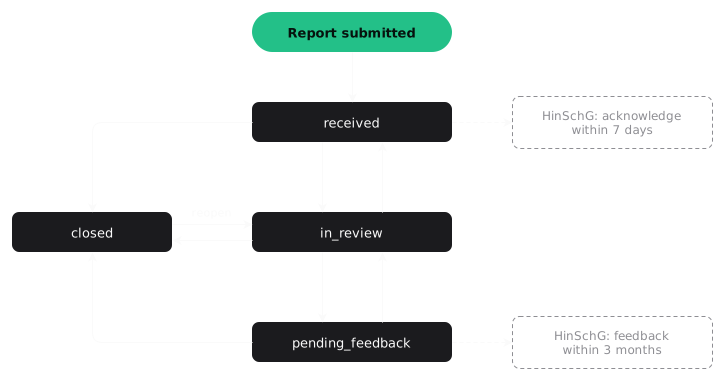
- Acknowledge report: tells the whistleblower and starts the 3-month feedback clock.
- Move the status, assign the case to an admin or case manager, link related cases.
- Reply to the whistleblower through the anonymous channel; add internal notes they never see.
- Export a PDF with an SLA compliance section (HinSchG §17), the confidential identity left out. It prints Latin (any diacritic), Greek and Cyrillic text; CJK and right-to-left scripts (Arabic, Hebrew) are not supported.
- Delete report, collapsed at the end of Actions: a second admin must confirm (4-eyes principle). It is the GDPR Art. 17 erasure.
- Neither the requester nor an account the requester made (on
/admin/users, directly or through others) may confirm, and the reverse: whoever made an account chose its first password. - A superadmin can reset another account's authenticator and act as it, so the rule holds between admins, not against a superadmin.
- Neither the requester nor an account the requester made (on
Confidential identity. A confidential reporter's name and contact are hidden by default.
- The case handler (while unassigned, an admin of the case's organisation) clicks Show identity (
POST /admin/reports/{id}/identity). A reason is required: 10–500 characters, without the reporter's name. - The identity shows on that page only; the audit log records who, when and why.
- The case page says only that a reason was recorded. The reason is on
/admin/audit-logand in the CSV export. - Export PDF with identity (
POST /admin/reports/{id}/export.pdf) asks for the same audited reason. The plain Export PDF never includes it. - Opening a case is logged as Report opened.
Audit log
/admin/audit-log: every admin action, immutable, filterable, shown as readable labels.- Deleting a report deletes its entries with it. One entry stays, with the case number: Deletion confirmed (who requested, who confirmed) or
report.auto_deleted. - CSV export at any time: the machine action codes plus a label column; the detail column is a JSON object. It holds every row the page's filters select, and taking it is itself recorded.
- Downloading an attachment is recorded, as opening the case and exporting its PDF are.
- Case views (Report opened) are hidden in the log and the export unless you tick Show case views (
?views=1). - With multi-tenancy on, each organisation sees only its own entries. Instance-wide security events, such as a password-spraying alert, go to superadmins only.
Categories and locations
/admin/categories holds the report categories, all configurable.
/admin/locations holds branches or offices; while any is active, the
whistleblower wizard asks for one at step 2.
Dashboard statistics
/admin/stats: total reports, status distribution, category breakdown and the
7-day SLA compliance rate (acknowledged within 7 days of 00:00 UTC on the submission day).
A case manager's figures cover only their own cases.
System & updates
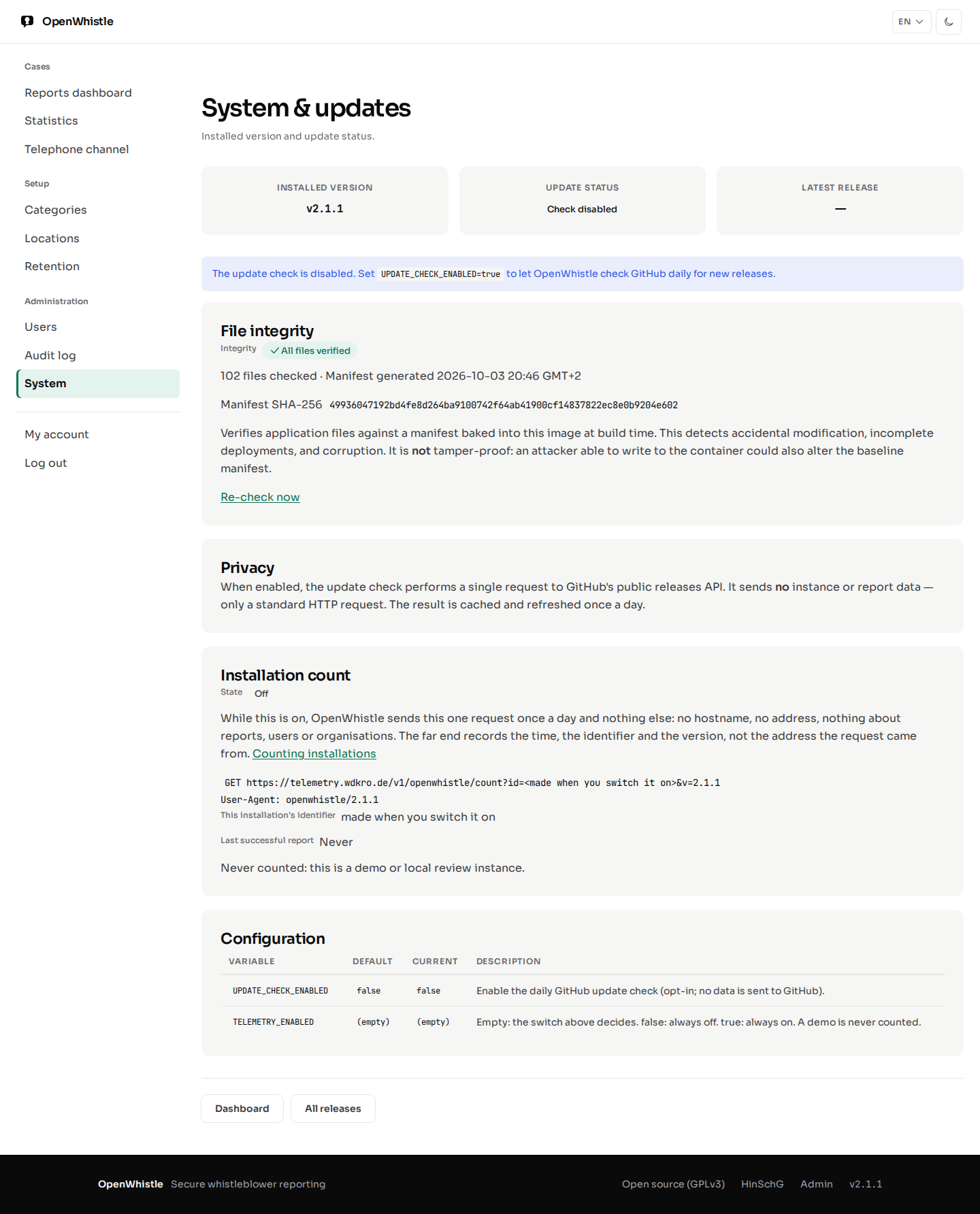
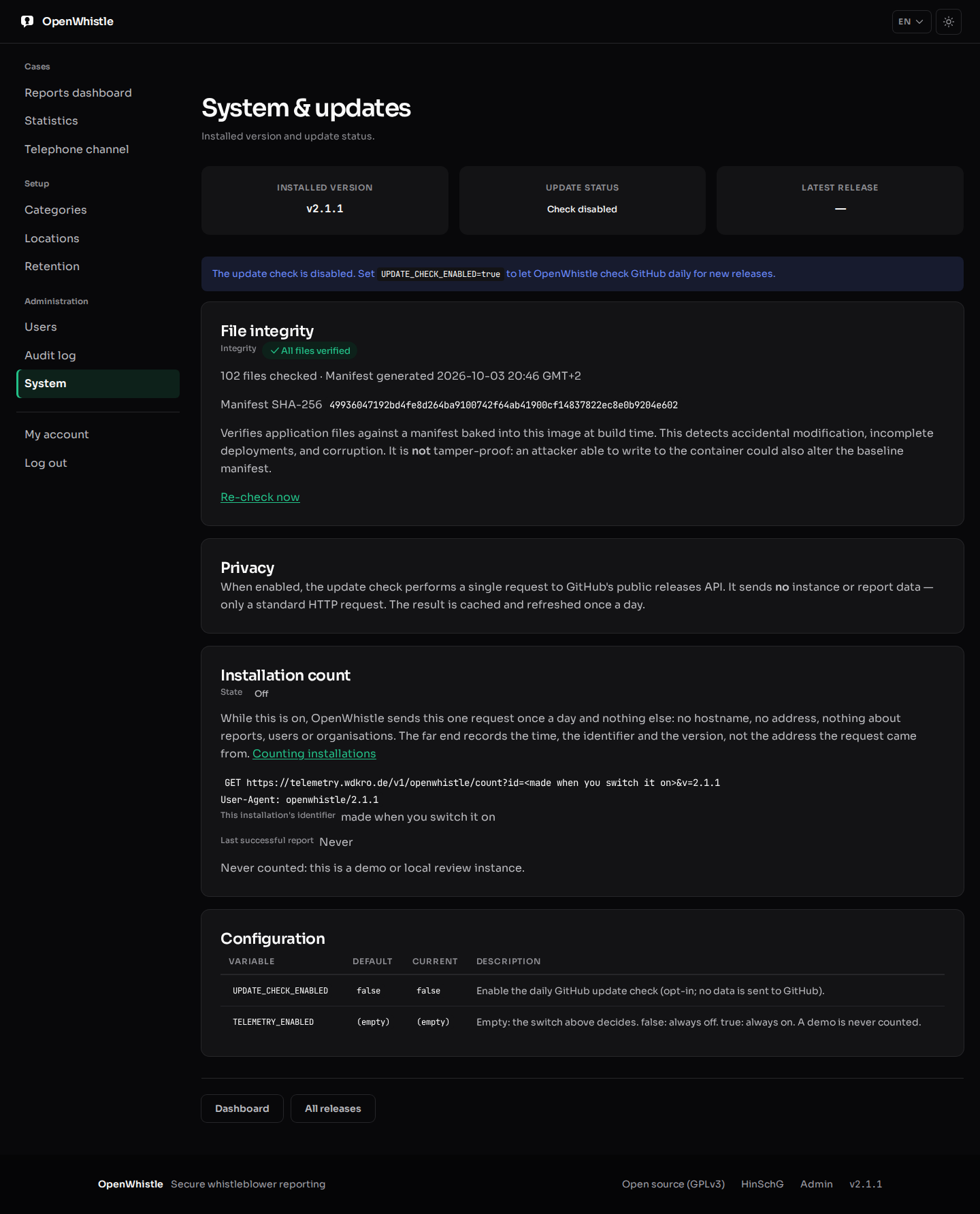
/admin/systemshows the installed version. WithUPDATE_CHECK_ENABLED=true(opt-in, off by default) it also says whether GitHub has a newer release: checked once a day, cached, no instance data sent.- Installation count: whether this installation is counted, the exact request, its identifier and the last successful report. An admin switches it (one audit entry per change) and resets the identifier; see Counting installations.
- File integrity: the application files against a SHA-256 manifest baked into the image at build time. It reports missing, modified or unexpected files, which catches accidental changes, incomplete deployments and corruption. Re-check now refreshes it.
The integrity check is not tamper-proof: an attacker who can rewrite the files can rewrite the manifest too.
HinSchG deadline tracking
The statutory timelines of §17 HinSchG, shown on the dashboard, the case page, the whistleblower's status page and the PDF:
- 7-day acknowledgement: counted from 00:00 UTC of the submission day. Times are stored as the day only, so the deadline can fall earlier, never later.
- 3-month feedback: three calendar months from the acknowledgement; without one, three months and seven days from receipt (§17 Abs. 2). Every report has this deadline from the day it arrives, and an acknowledgement never moves it later. Feedback goes to the whistleblower through the message channel before it runs out.
- A deadline is overdue once it has passed. On its last day it reads 0 days remaining.
- The statistics' 7-day rate counts only the reports whose seven days are over or that were acknowledged.
Telephone reporting channel guide
/admin/telephone-channel is a compliance reference for an oral reporting
channel beside the digital one:
- HinSchG § 16 Abs. 3: reports orally and in text form; a dedicated number, confidentiality (§ 8), impartial staff
- Implementation options: internal hotline vs. external ombudsman
- § 11 Abs. 2 HinSchG: a call is recorded only with consent, otherwise documented as a summary
- Integration workflow: how telephone reports enter the OpenWhistle case system
- Legal references with links to the official statute text